Quick answer: reach Operations Level 17, deploy into Layali Grove – Easy, find the angler NPC Joe Reed, finish his fishing request, extract safely, and claim your first rod from the GTI Mailbox. The rod then lives in the EDC Tool Kit, not your backpack.
The unlock chain, step by step
- Reach Operations Level 17. Fishing does not appear in a menu before this.
- Deploy into Layali Grove – Easy. The unlock encounter only happens there.
- Find Joe Reed near the water — the marked map below shows every spot he uses.
- Keep talking. One dialogue line is not enough; it takes around seven or eight interactions before the fishing request appears and the objective is active in your mission tracker.
- Complete the request and extract. Treat it as an objective run, not a loot run.
- Claim the reward from the GTI Mailbox in the main menu. The rod never drops into your raid backpack directly.
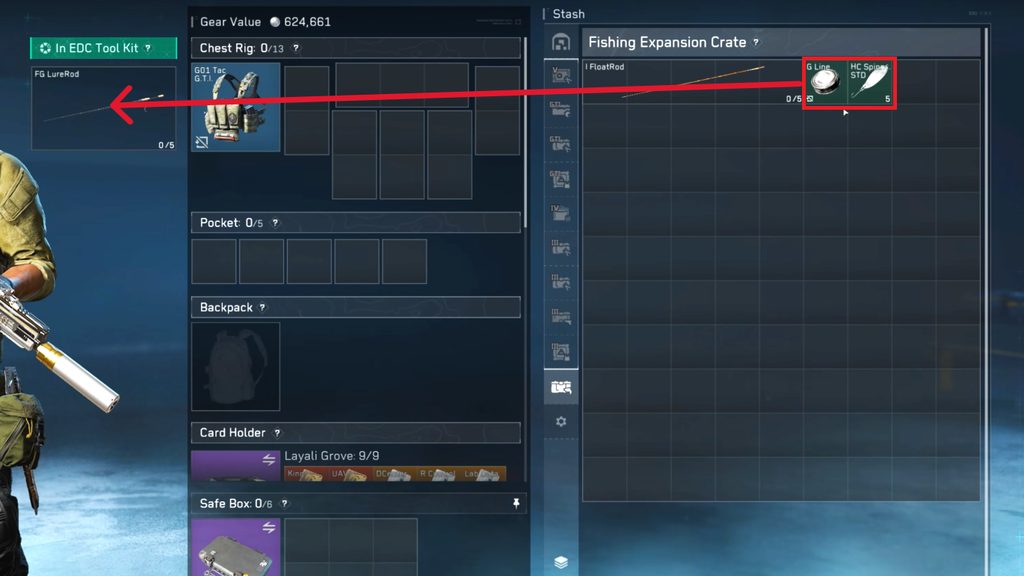
- Equip it properly. Open the Black Site, select the Fishing tab, and put the rod, line and bait into the EDC Tool Kit's fishing slots before your next deployment.
Where Joe Reed spawns (and how runs break)
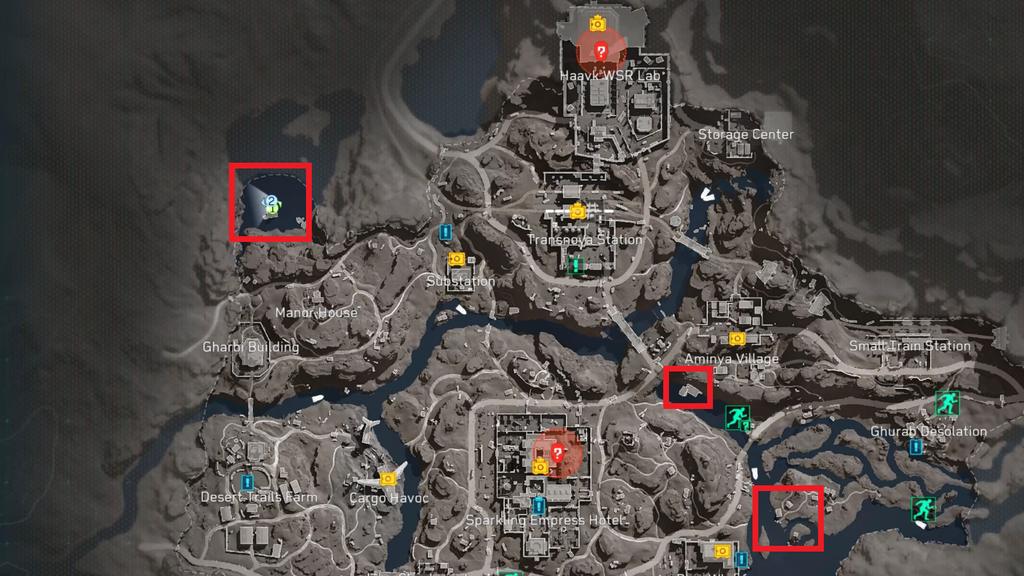
Joe shows up in several possible spots around the map's water, and the guide marks them all above. Two things break this quest more than anything else. First, entering combat while working the request can break the quest entirely — do not fire at anything nearby until the request is accepted and confirmed. Second, players give up after one or two dialogue lines: it genuinely takes seven or eight interactions before the request option appears.
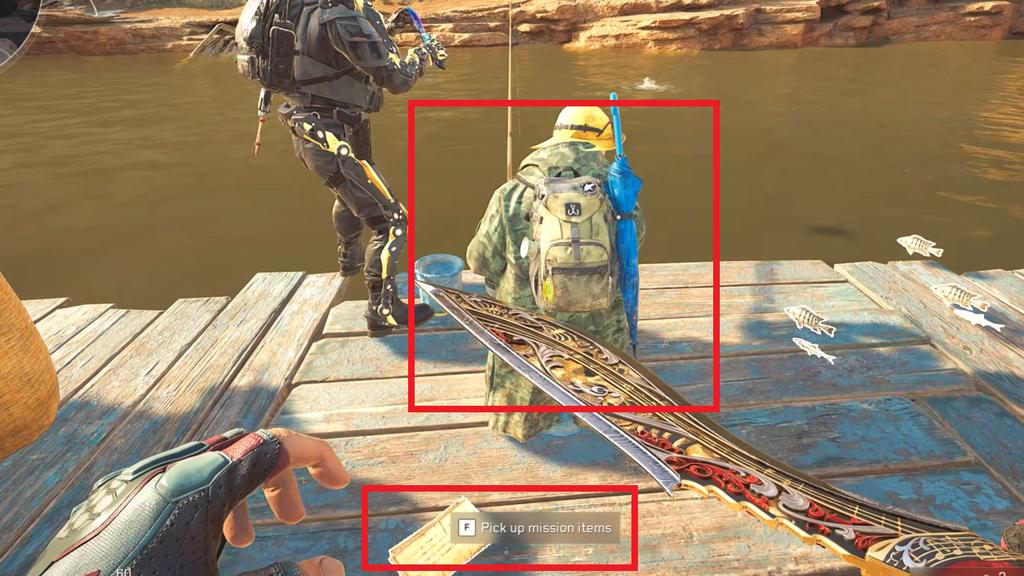
The rod, from mailbox to EDC Tool Kit
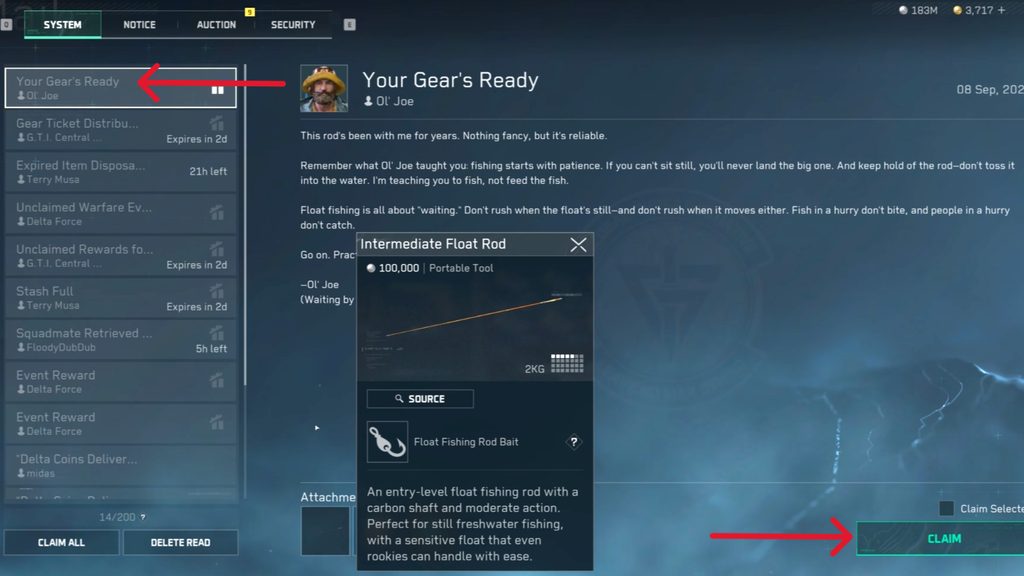
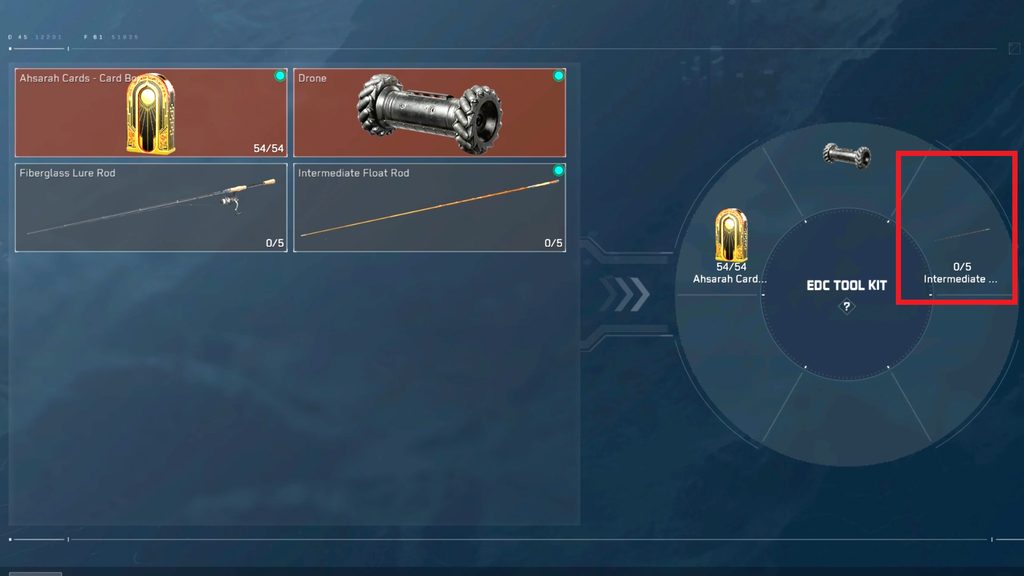
Claim it from the mail, then immediately move it into the EDC Tool Kit. A rod loose in your backpack is a rod you will re-earn after one bad raid.
Float Rod vs Lure Rod
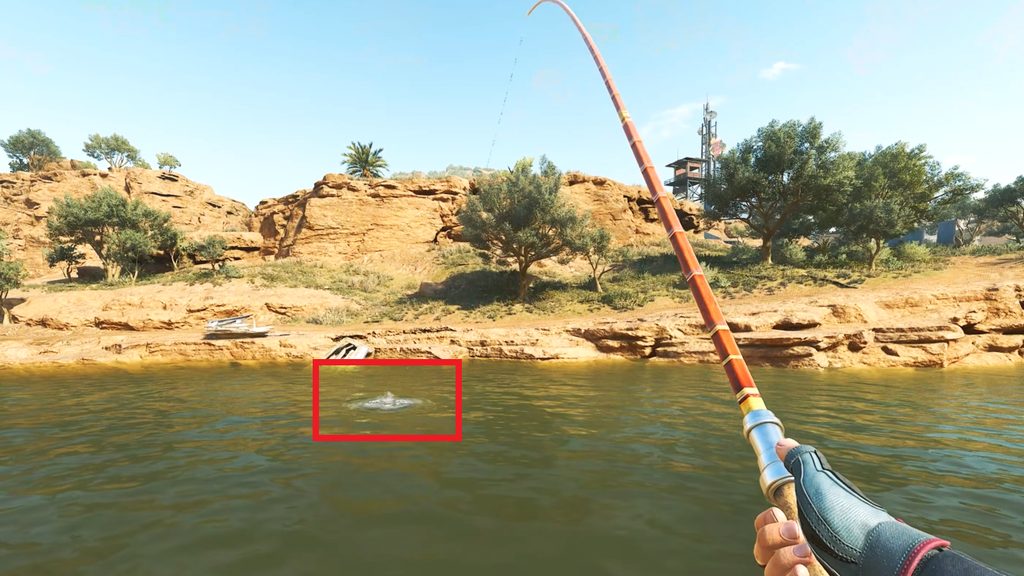
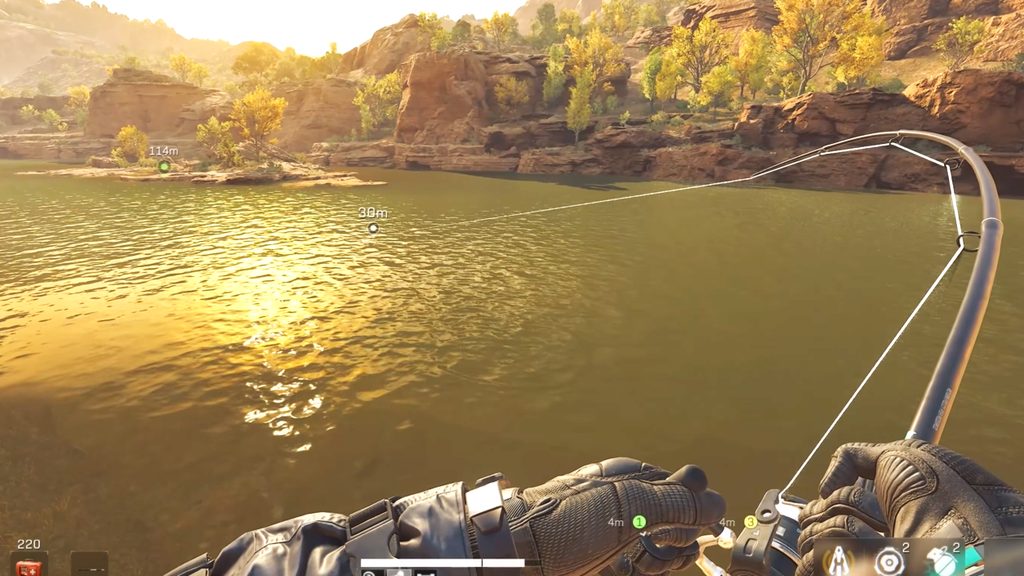
The Float Rod is the beginner rod: cast, watch the float, and reel when it clearly sinks — not at the first twitch. The Lure Rod is active: the line goes taut, you reel against the fish's direction, and you keep the tension indicator out of the red zone or the line gives.
The better rod: Fiberglass Lure Rod
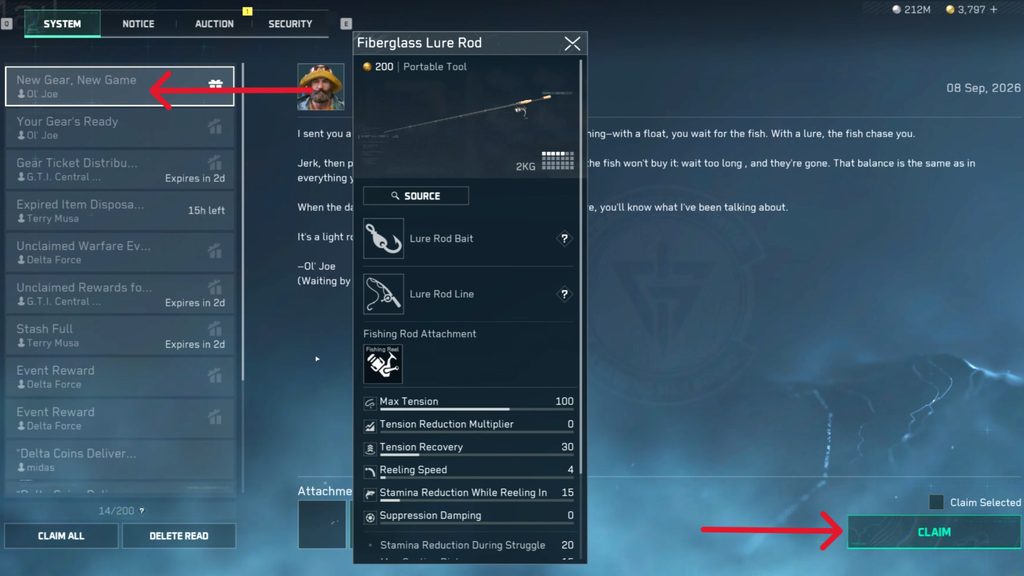
At Fishing Level 10, go back to Joe Reed, accept his next request, extract, and check the mail: the “New Gear, New Game” message carries the Fiberglass Lure Rod. Before your next cast, buy the High-Contrast Spinner and the Gray Fishing Line from the Fishing tab's Supply Station — both are meaningful upgrades over the stock rig.
Where you can fish
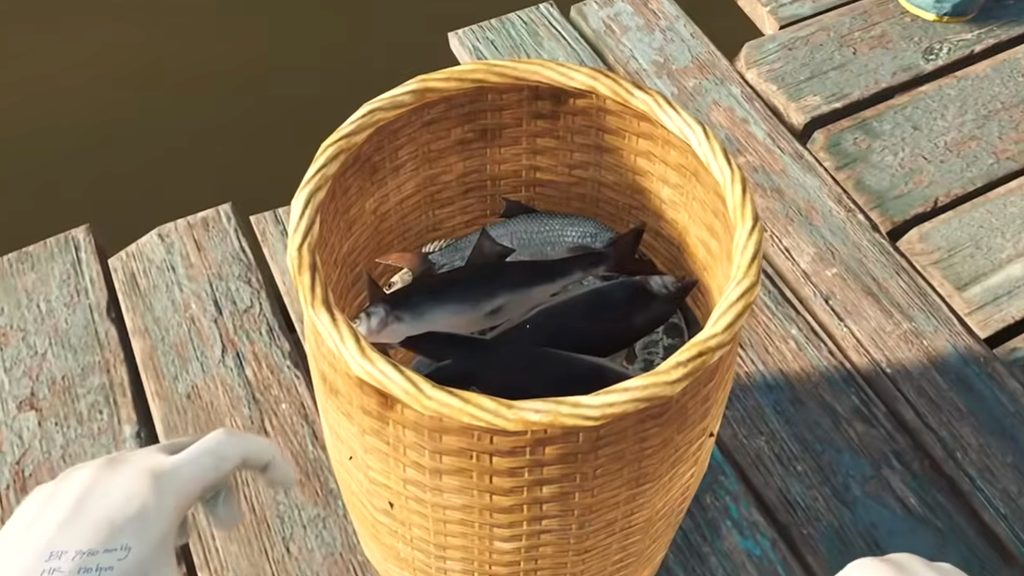
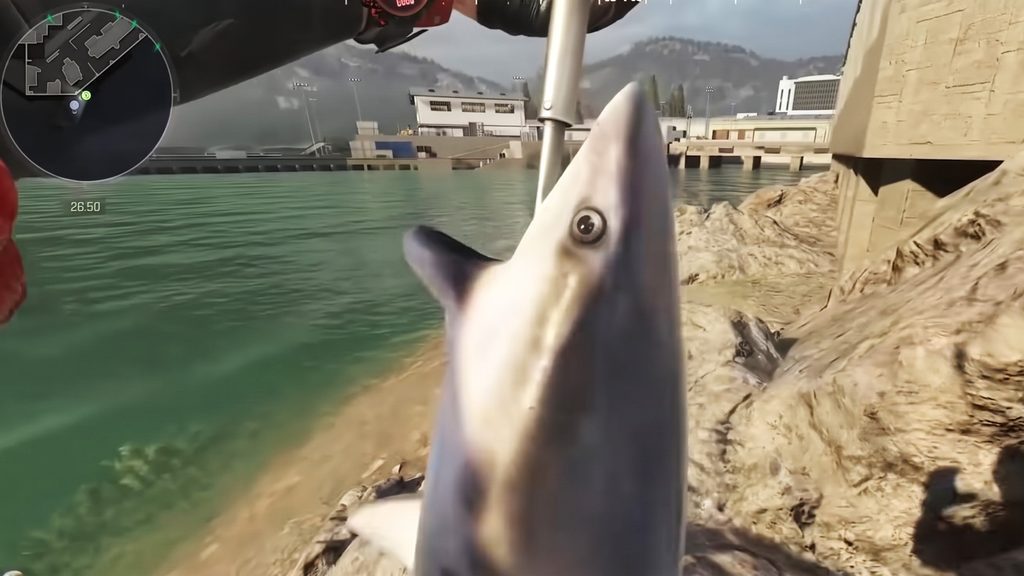
Fishing works on the Easy versions of Layali Grove, AZ3 and Zero Dam, subject to the live Operations rotation. Check the current Operations screen before planning a run rather than assuming a map is up.
Progression and safety
- Every catch feeds Fishing level; at milestones Joe Reed offers the next certification, which opens better equipment. Every 10 levels, bring him the fish the game lists.
- Fishing leaves you standing still by open water. Clear the nearby enemies, keep your weapon ready, and prefer spots with cover and a short route to extraction.
- If the rod is missing after a death, it was loose in your backpack — the EDC Tool Kit is what protects it.
Sources: the publisher's own news pages; Season 11 fishing documentation from GamesFuze, Delta Force Tools and Timesaver — the in-page screenshots are GamesFuze's, credited under each one. Read October 11, 2026 and re-worded. See also: the Vigil Harmonica quest — the grind to Fishing Level 40, on top of Joe's chain, is also a Phase 2 gate for the Ahsarah Mini Rocket.
Update Rule
This page is re-checked while Season 11 runs. Fishing maps, certification requirements and reward delivery can change with live patches; the date at the top is the date the steps were last verified.